
For businesses
Grow your celebration business with Majlesify
A clear business page, enquiries from families planning their celebration, and simple office tools.
Why businesses join
Show your best work
One clear page for your services, prices and photos, shown after our team has looked at it.
Receive real enquiries
Families send you their date, city, guest numbers and budget range. You reply, share a price and agree the details.
Keep your customer and your income
You make the contract and receive the payment directly. We never take a percentage.
Cost for businesses
Free until the end of this year
Majlesify is free until the end of this year. After that a subscription system for businesses follows. We will tell you at least 30 days before anything costs money, and you can leave at any time.
0% commission
Customers contract with and pay you directly. Majlesify processes no customer payments and takes no percentage.
Advertising on Majlesify
Reach families when they are planning. Every paid placement is clearly labelled as advertising and never changes how other businesses are ranked.
Featured in search
Appear at the top of results for your category and city, marked "Advertisement".
Category spotlight
A highlighted place on the home and category pages during the season you choose.
Social media features
Your work shared on Majlesify’s social channels during seasonal campaigns.
Seasonal campaigns
Wedding season, Eid and Nowruz campaigns with partner businesses.
Advertising opens after launch. Tell us what interests you and we will contact you.
Ask about advertisingHow joining works
- 1
Create your account
Register your business on the website and confirm your email address.
- 2
Complete your business page
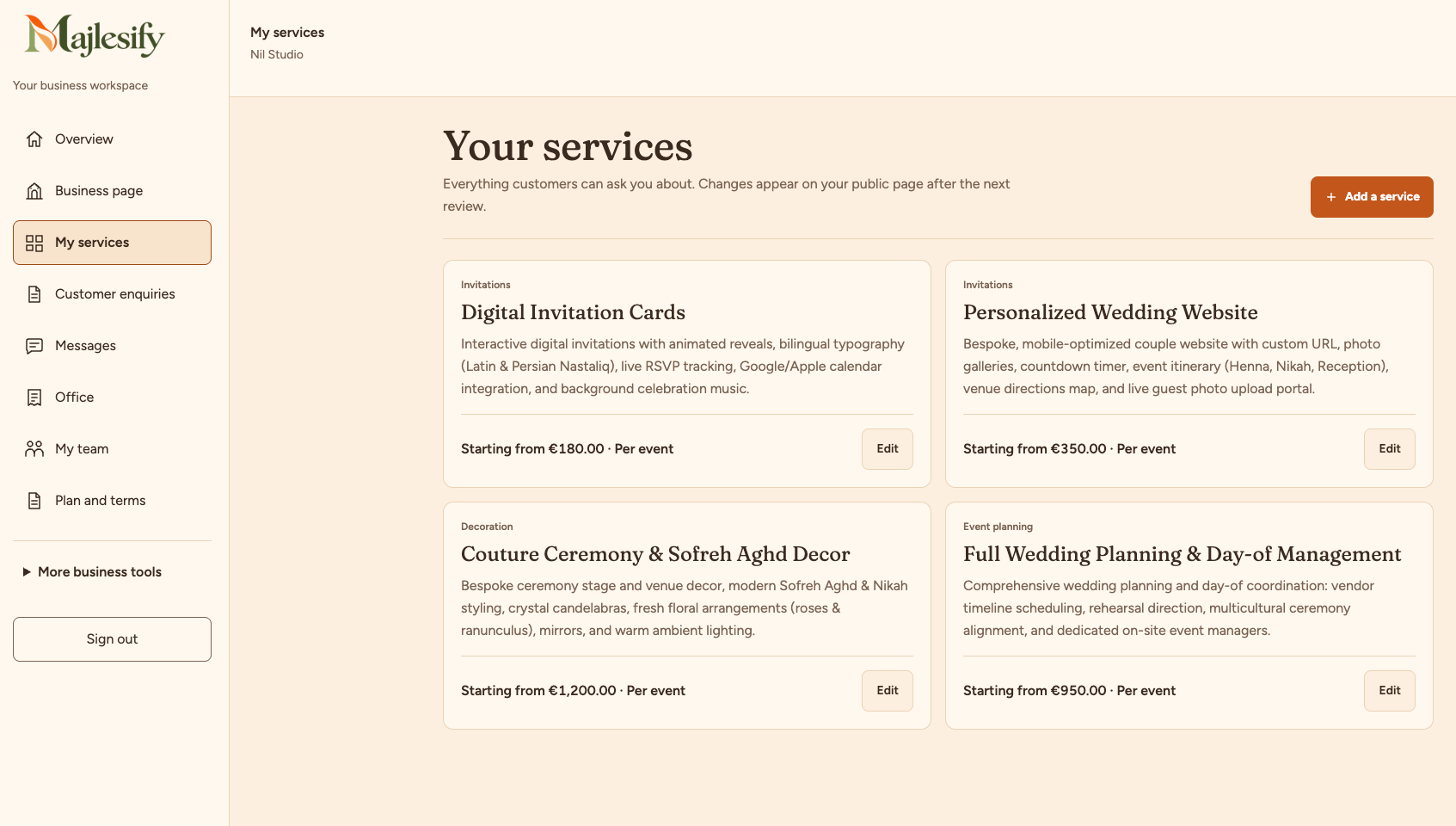
Add your business details, services, prices and photos. Save each step and return whenever you need.
- 3
Submit for approval
Submit your completed page. We check its content and publish it after approval. If changes are needed, we tell you what to update.
Create your business account
Complete your business page and submit it for approval. Customers can see the page only after an admin approves it.
Create your business account